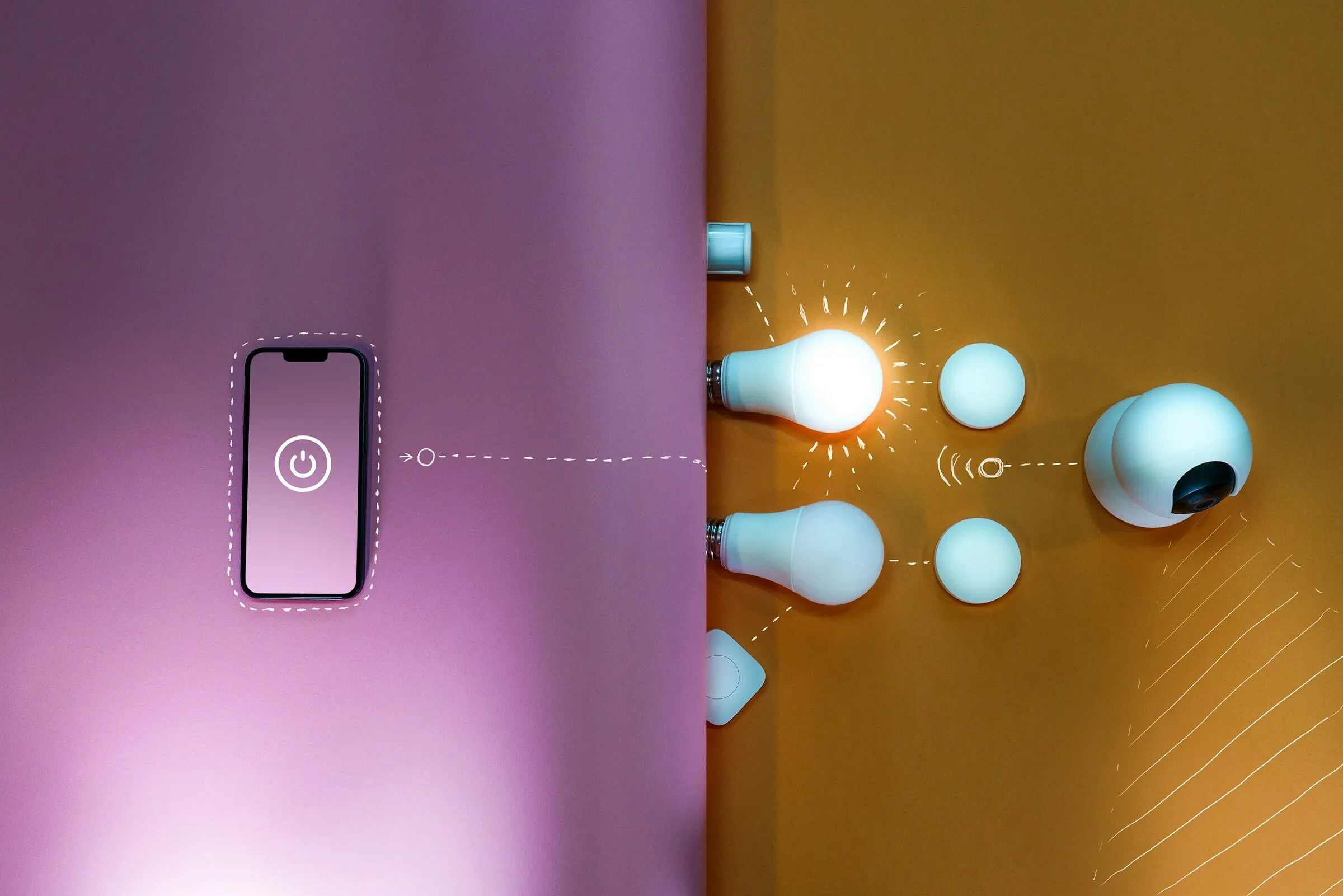
Our office has quite a few rooms, and people often left without knowing whether a light was still on, or couldn't find the air conditioning remote. Now lights, air conditioning, cameras and a few other devices are connected to Home Assistant and are all controlled from the same app, phone included.
The app
In the app you pick the floor, then the room, and find its controls: the lights, the air conditioning and, at the entrance, the camera and the button that opens the door. The screens follow the office floor plan, so anyone opening it for the first time finds their way straight away.
Why Home Assistant
Home Assistant is open source and we install it on a machine in the office. Commands stay on the internal network instead of going through the manufacturers' clouds, so lights and air conditioning work even when the internet is down, and sensor data never leaves the office.
It supports devices from a huge number of brands. Air conditioners, lamps and cameras sit in the same system rather than one app each, and if we replace a device the dashboard doesn't change.
We designed the dashboard ourselves. Automations are plain configuration files, and we can add them one at a time.
What we control today
For now we control the lights, air conditioning, the entrance cameras and some media devices. Automations are the next step: switching off the lights in empty rooms at the end of the day, matching the air conditioning to office hours, getting an alert if a room gets too warm.
The pros:
- you move from room to room in a few taps, and one command switches off every light;
- you can see what has been left on, and less goes to waste.